Your mission in plain English
Explain the need you address, who benefits and the practical change you work towards.
Free charity website builder
Give supporters, volunteers and the people you help one clear place to understand your work. Build and host a mobile-friendly charity website for free.
Build our charity websiteNo coding required. Update the website yourselves.
People should not have to search through social posts to discover who you help, what you do or how they can take part.
Finished example
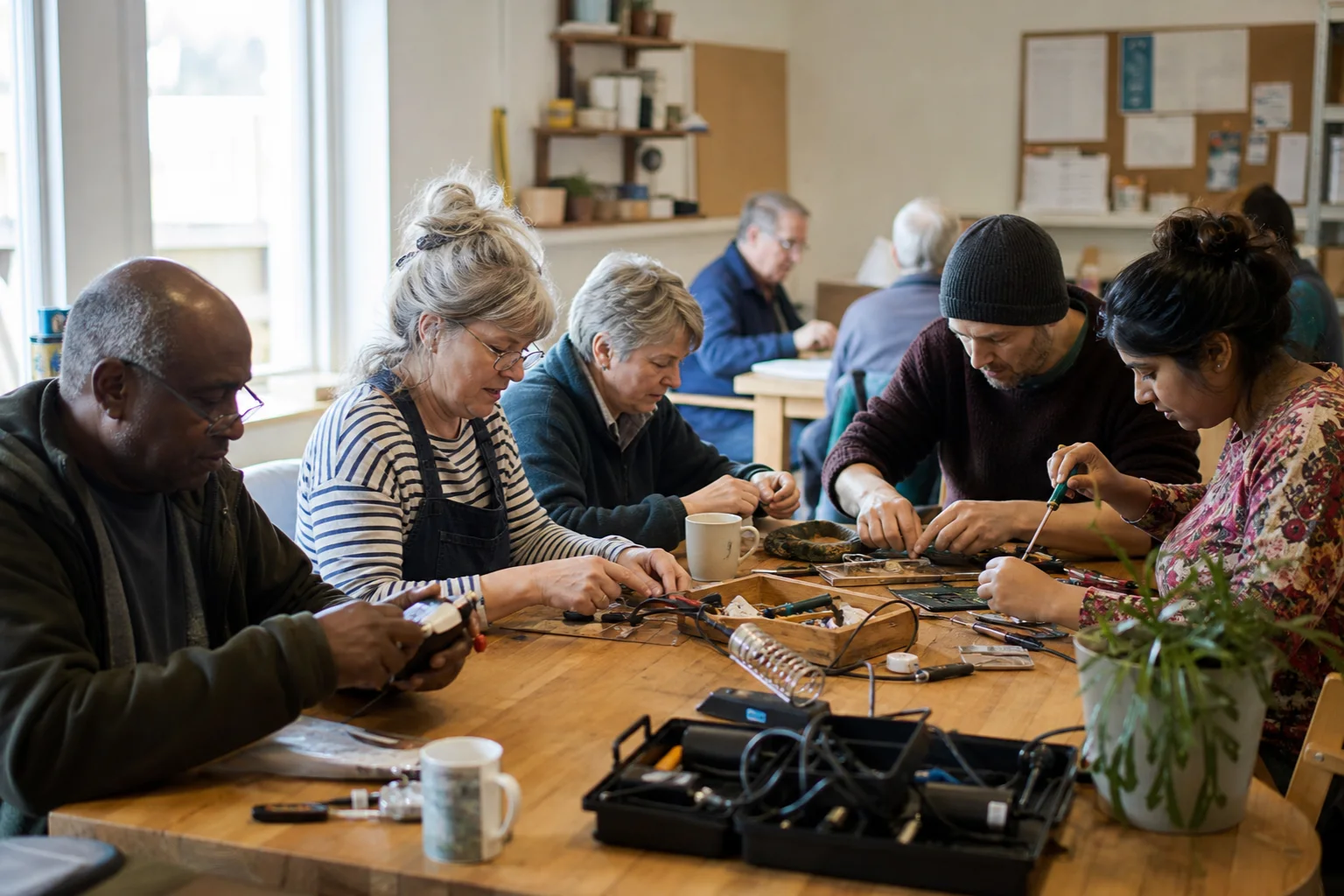
This example for a fictional repair-and-skills charity gives every visitor a useful next step without turning the homepage into a fundraising poster.
Weekly workshops that bring neighbours together to repair useful things and pass knowledge on.
Find a workshop →312items repaired
46active volunteers
3weekly sessions
What a charity website needs to do
Useful information and honest evidence matter more than grand claims. These are the sections supporters usually need first.
Explain the need you address, who benefits and the practical change you work towards.
Describe current services, places, schedules and eligibility so visitors know what is actually available.
Pair meaningful figures, outcomes or stories with the period and programme they relate to.
Set out roles, time commitments, support and the simple first step for someone interested in helping.
Publish appropriate contact details or collect enquiries privately through the owner control panel.
Explain how funds help, then link clearly to your established external donation provider.
Credibility without clutter
Use your full registered nameAdd a charity number where applicable and keep legal claims accurate.
Say where you operateHelp local visitors understand the area, venues or communities you serve.
Link to policies and reportsPoint to safeguarding information, annual reports or governance documents where relevant.
Keep calls to action specificSeparate volunteering, service enquiries, partnerships and donations so each reaches the right place.
No technical committee required
Tell the builder about your mission, main activities and audience.
Edit the words and images directly, then add or reorder the sections you need.
Choose a free address, publish, and return to update projects or volunteering details.
Charity website questions
Yes. Charities and voluntary organisations can build, edit, host and publish a website for free.
Yes. Add a clear external donation link to the regulated fundraising or payment service your charity already trusts. FreeWebsite does not process donations.
Yes. Use separate sections for your mission, current work, impact, volunteering, contact details and the next action you want a supporter to take.
The owner signs in to a simple visual editor and private control panel. The service is designed so routine changes do not require a developer.
Your work deserves a clear home